Say it while you play.
Capture a playtest and speak your feedback while the moment is fresh. Record on your computer, or use the Steam Deck companion alongside Steam Game Recording.
CAPTURE RetroFeel.
Better context for agentic coding
Give your coding agent the context behind your feedback. RetroFeel keeps gameplay, input timing, and your spoken notes together, so you can point to the moment, explain what needs to change, and get back to building.
“That jump felt a little late.”
FROM “SOMETHING FELT OFF” TO “FOUND IT”
Spend less time reconstructing a playtest for your agent. Show what happened, what you tried, and how you wanted it to feel.
Capture a playtest and speak your feedback while the moment is fresh. Record on your computer, or use the Steam Deck companion alongside Steam Game Recording.
CAPTUREUse video, input timing, and timestamped transcripts to show your agent exactly where something felt off. Give your feedback a moment to refer back to.
REVIEWBring recordings and transcripts into your agent workflow. Export input timelines for Bevy, Unity, Godot, or Unreal, and optionally archive eligible videos and subtitles to your own YouTube channel.
SHARE WITH INTENTINSIDE RETROFEEL
A look at the desktop app. Open either screenshot to see the interface at full size.
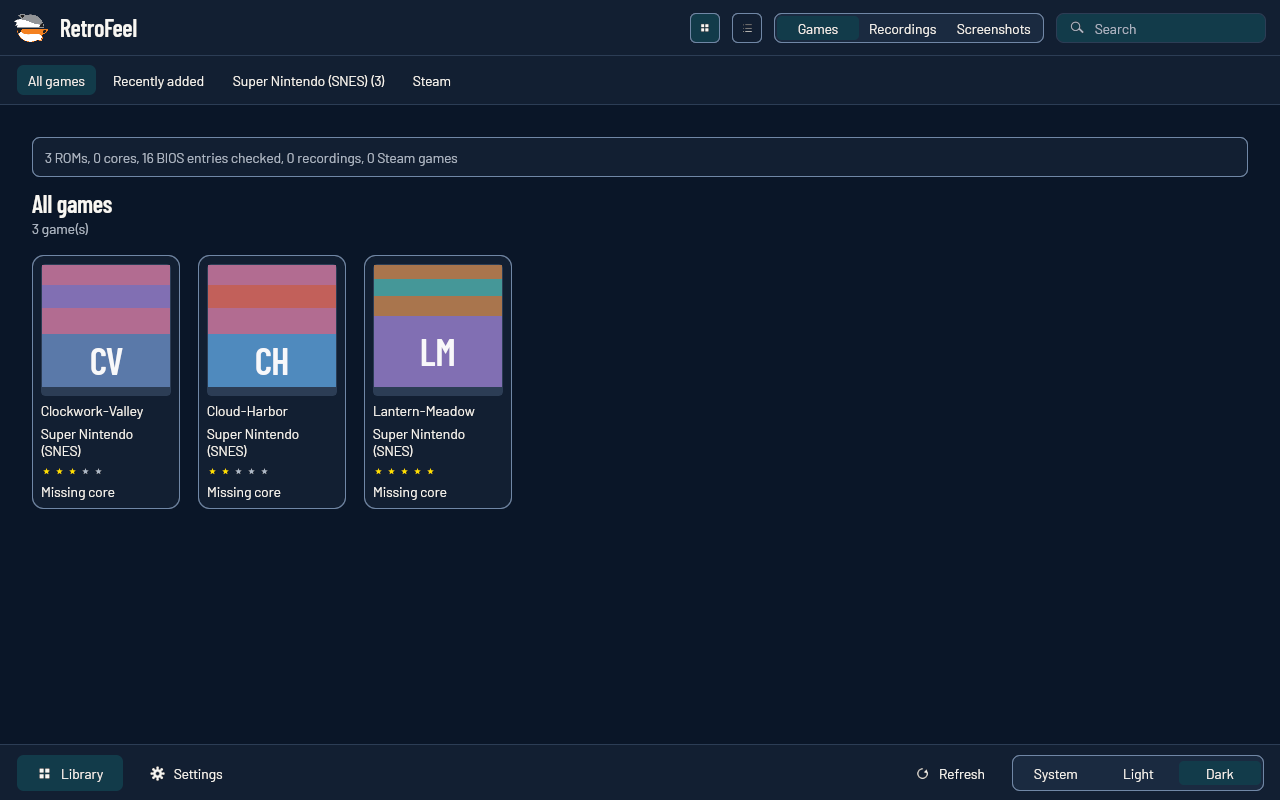
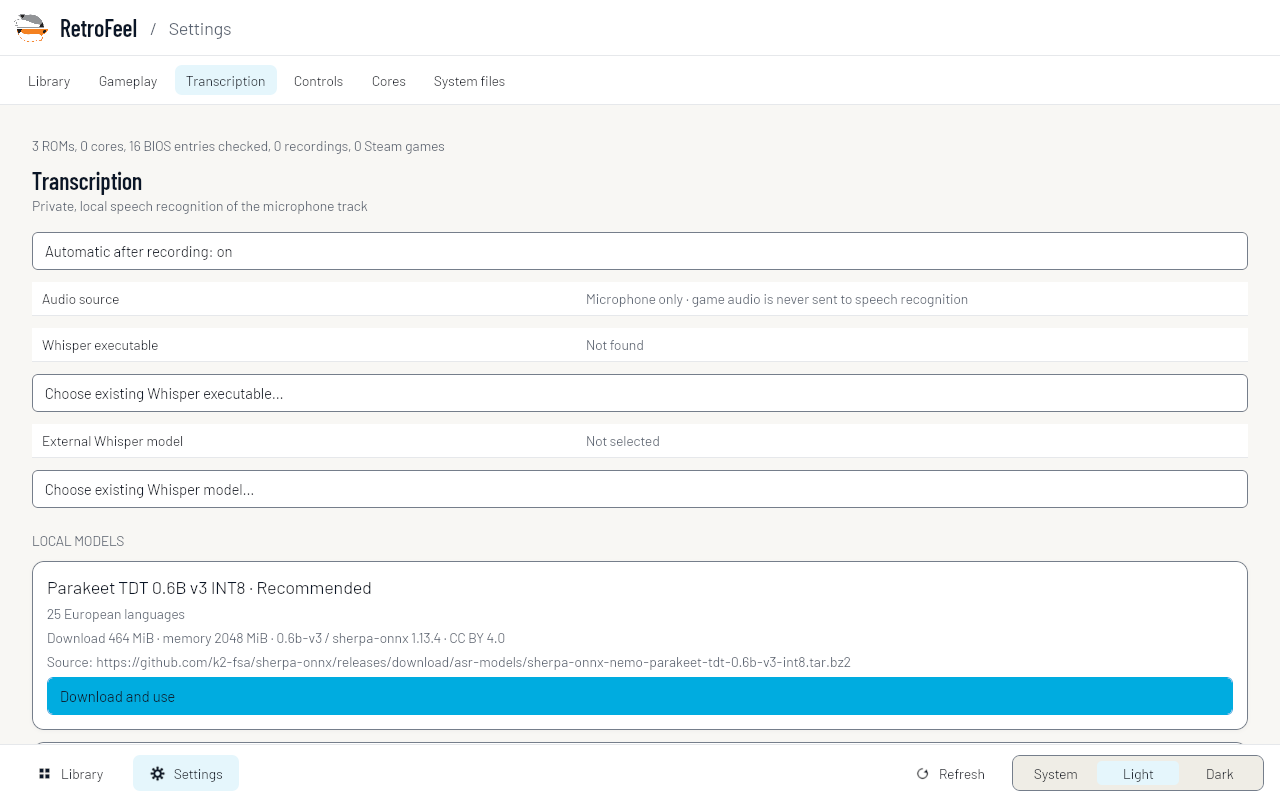
Actual Linux desktop captures. Example data; no personal recordings or third-party game artwork.
PLANNED FEATURE / DEVLOGS
Devlogs is a planned feature for automatic note-taking from your transcripts. The aim is to turn spoken feedback into summaries you and your coding agent can revisit as you build.
Planned for the desktop app and YouTube upload flow, so you can keep useful notes alongside each session. Devlogs is not available yet.
YOUR SESSION. YOUR CALL.
Connecting a YouTube channel is optional. Configured publishing supports Private uploads, checks the destination channel, and pauses uploads while Steam gameplay is running.
Recordings can include voices, chat, and notifications. Private uploads still send content to Google. Review what you capture and get permission from other participants.
How RetroFeel handles dataBUILT IN BRITISH COLUMBIA
I’m Chris, the developer behind Tiger/Wolf Games. I built RetroFeel while developing Variant Hunter to improve communication with coding agents. Keeping the playtest and my feedback together helps me explain what I want to change.
Let’s talk RetroFeel